Folderite
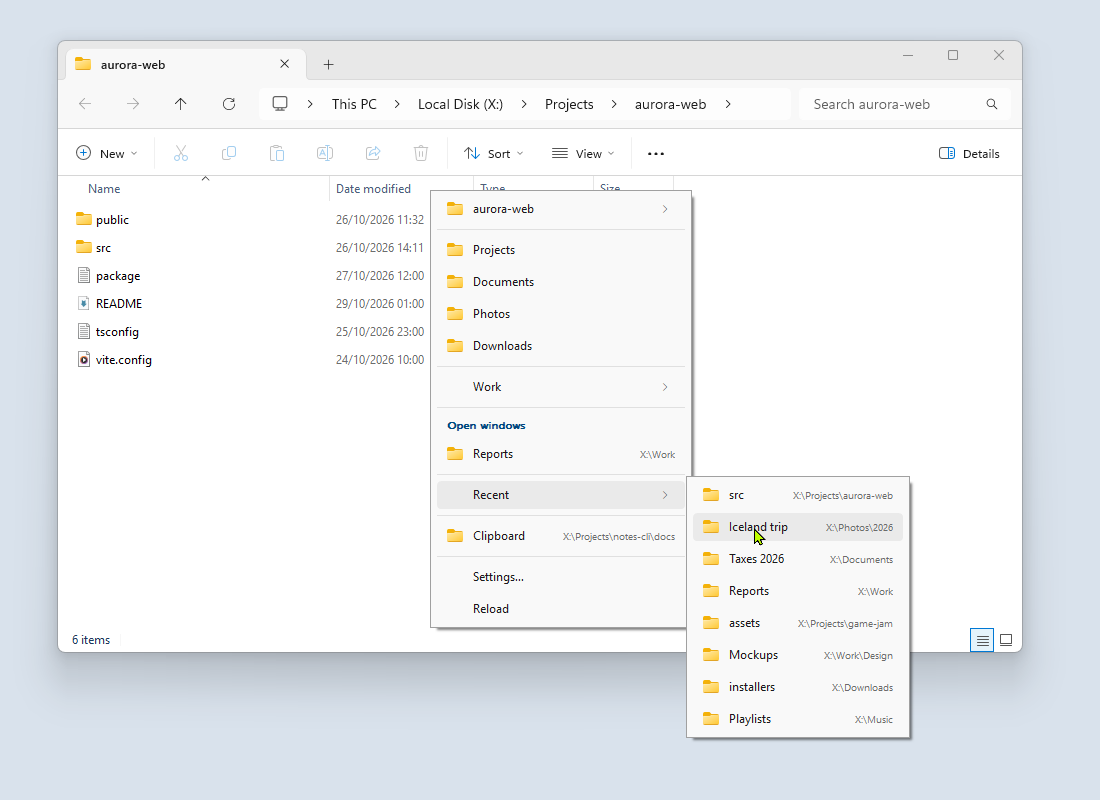
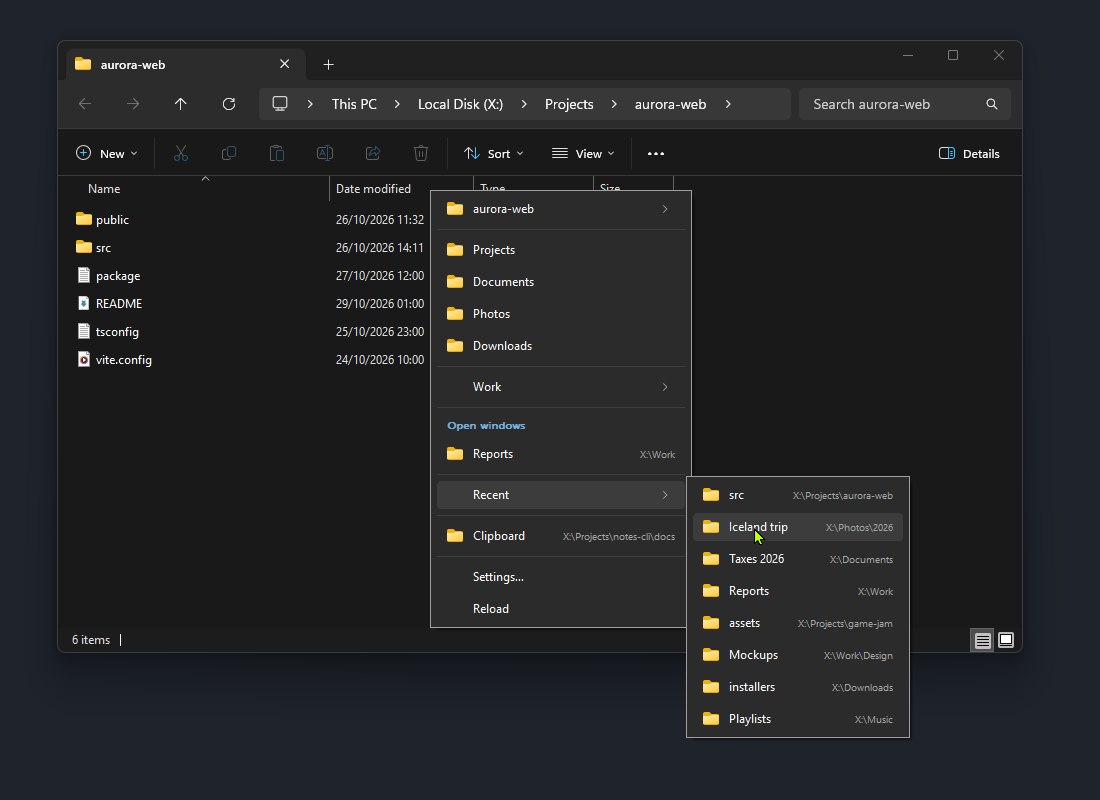
Folderite is a folder menu for Windows. Middle-click in Explorer or in an Open or Save dialog, and a menu of your favorites, the folders open in other windows, your recent folders and the folder on the clipboard appears at the cursor. Pick one and that window goes there. It is free, open source (MIT), and runs in the tray.
Where to start
New to Folderite? Read these two in order:
- Install and uninstall: requirements, the download, upgrading and removing it.
- Getting started: the first middle-click and your first favorite.
Then the pages on using it:
- The folder menu: every section of the menu, the tray icon and the keyboard shortcut.
- Settings: the Settings window, page by page.
- Open and Save dialogs: moving a dialog without losing the typed file name, and choosing the folder a dialog starts in.
- Supported apps: Explorer, Directory Opus, Total Commander, XYplorer, Blender and the desktop, and the limits of each.
- The config file: every key in
config.json. - Files and logs: where everything is stored, moving it, and running portable.
If something does not work, start with Troubleshooting. How it works explains what happens between the click and the folder change, and Build from source is for working on Folderite itself.
Feedback
Bug reports and ideas are welcome at github.com/combwizard/Folderite/issues.